

Every few years, the WiFi industry declares a revolution. Faster speeds, lower latency, a new number after the name — and a fresh wave of expensive routers. So if you are asking what is wifi 7 and whether it deserves your money, you are right to be skeptical. This guide gives you the honest answer: what the new standard technically is, which of its new features actually matter in a real home, what speeds you can genuinely expect in 2026, and whether you should upgrade now or wait.
The short version: WiFi 7 (technically the IEEE 802.11be standard) is the biggest leap in wireless networking in a decade, on paper. It can theoretically push close to 46 Gbps, roughly four times the headline speed of WiFi 6. But the numbers on the box are lab maximums. For most households, the upgrade decision is about timing, not technology.
What Is WiFi 7? The 802.11be Standard in Plain English
WiFi 7 is the marketing name for the IEEE 802.11be wireless standard, with the Wi-Fi Alliance certifying products since early 2024. It is the direct successor to WiFi 6 and WiFi 6E, and it does the same fundamental job: moving data between your router and your devices over the air.
The confusing part is the naming. The industry uses both the friendly generation number (WiFi 6, WiFi 7) and the technical standard name (802.11ax, 802.11be) interchangeably. You do not need to memorize the numbers — just know that WiFi 7 is the newest generation, it builds on WiFi 6, and every WiFi 7 router is fully backward compatible with older WiFi devices. Your WiFi 5 phone from 2018 will still connect to a WiFi 7 router, just at its own older speeds.
What makes WiFi 7 different is that it attacks the problem from several directions at once: wider radio channels, denser data encoding, and — most importantly — the ability to use multiple frequency bands at the same time.
The Key WiFi 7 Features That Actually Matter
Router boxes love to list specifications. Four of them genuinely change how wireless works.
320 MHz Channels: Double the Highway
Wireless data travels on slices of radio spectrum called channels, and wider channels carry more data. WiFi 6 topped out at 160 MHz channels. WiFi 7 doubles that to 320 MHz — like replacing a four-lane highway with an eight-lane one. This single change accounts for a large share of the speed increase.
There is a catch. These ultra-wide channels live in the 6 GHz band, and the full 320 MHz width is not available everywhere — regulators in different countries have opened different amounts of 6 GHz spectrum. Even where the full width is legal, congestion can force a router to fall back to narrower channels.
4K-QAM: More Data in Every Signal
QAM (quadrature amplitude modulation) is how densely a router packs data into each radio wave. WiFi 6 used 1024-QAM; WiFi 7 moves to 4096-QAM, nicknamed 4K-QAM, squeezing roughly 20 percent more throughput out of the same signal.
Think of it like handwriting: writing smaller and more precisely fits more words on a page, but only with good eyesight. 4K-QAM only works when the signal between router and device is strong and clean. Walk one room away, and the router quietly drops to a less dense encoding. A range-limited benefit — great near the router, negligible at the far end of the house.
Multi-Link Operation (MLO): The Real Game-Changer
Multi-Link Operation is the feature networking engineers get most excited about, because it changes how devices connect. Every WiFi generation before this one worked the same way: your phone picked one band (2.4 GHz, 5 GHz, or 6 GHz) and talked to the router on it. WiFi 7 devices can connect to a WiFi 7 router across multiple bands simultaneously.
That opens up two powerful tricks. First, aggregation: the router can split one download across two bands at once, combining their bandwidth. Second, redundancy and fast switching: if one band gets congested, traffic instantly shifts to the other without dropping. The practical result is lower, more consistent latency — the delay between sending a request and getting a response.
This is why WiFi 7 matters for more than raw speed. Video calls that stutter less when the microwave runs, online games that do not spike in ping when someone starts a 4K stream, and future AR/VR headsets needing rock-steady wireless links all benefit more from MLO’s consistency than from a bigger speed number. Both the router and the device need WiFi 7 for MLO to work — a WiFi 6 phone cannot get this benefit from a WiFi 7 router.
Multi-RU and Preamble Puncturing: Smarter Spectrum Use
The last two features are about using spectrum more cleverly rather than just adding more of it. Multi-RU improves on WiFi 6’s OFDMA system, letting the router divide a channel into smaller resource units and assign them more flexibly to different devices at the same time. In a house full of smart home devices — thermostats, cameras, speakers, doorbells — dozens of small devices can be served efficiently in one transmission instead of waiting their turn.
Preamble puncturing solves a subtler problem. Previously, if any part of a wide channel was interfered with, the router had to abandon the entire channel for a narrower one. Preamble puncturing lets the router “puncture out” just the blocked slice and keep using the rest. Both features are invisible to you as a user, but they make busy networks smoother.
What Is WiFi 7 Speed in the Real World?
Here is where honesty matters. The headline figure for WiFi 7 is a theoretical maximum of roughly 46 Gbps. You will never see that number in your home — theoretical maximums assume flagship hardware, perfect signal, and the full 320 MHz channel all at once. Real homes have walls, distance, older devices, and neighbors’ networks competing for airtime.
The more useful picture: independent lab tests and early reviews of WiFi 7 gear consistently show it is meaningfully faster than WiFi 6 gear in identical conditions — roughly twice the throughput at close range, and noticeably more responsive under load thanks to MLO.
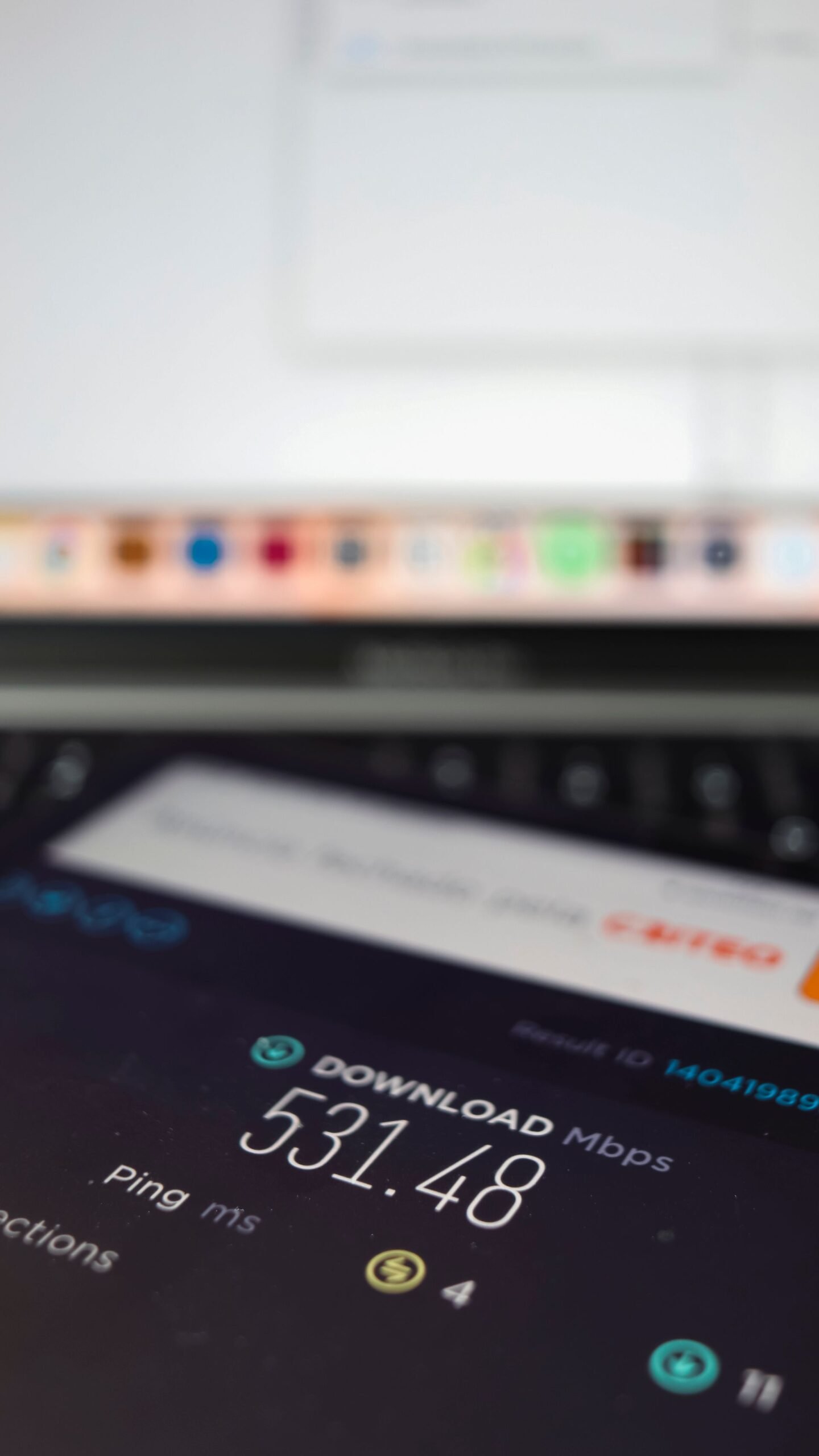
But there is a hard ceiling no router can beat: your internet plan. Most households subscribe to plans between 100 Mbps and 1 Gbps. If your plan delivers 500 Mbps, no router on earth will make your downloads faster than 500 Mbps — the router cannot invent bandwidth your ISP never sent. WiFi 7 removes the wireless bottleneck, which matters most with a gigabit-or-faster plan, large file transfers between your own devices, or many people streaming and gaming at once. Run a speed test on your phone and compare it to your plan: if WiFi already delivers your full plan speed everywhere you care about, a new router cannot improve on that.
WiFi 7 vs WiFi 6 and WiFi 6E: The Honest Comparison
WiFi 6 was the efficiency generation — better at handling many devices, with 1024-QAM and OFDMA. WiFi 6E added access to the 6 GHz band, opening up clean, uncongested spectrum. WiFi 7 takes that foundation and layers everything on top: 320 MHz channels, 4K-QAM, MLO, Multi-RU, and preamble puncturing.
The honest comparison: against WiFi 6, WiFi 7 is a genuinely big step — faster peak speeds, noticeably lower and more consistent latency, and much better behavior in congested homes. Against WiFi 6E, the gap is smaller, because WiFi 6E devices already enjoy the 6 GHz band’s clean airwaves. If you bought a WiFi 6E router two or three years ago, the day-to-day difference from upgrading will be modest unless you also own WiFi 7 devices to pair with it.
One more reality check: routers only deliver their headline features when talking to devices that support them. A WiFi 7 router improves a WiFi 6 phone’s experience only slightly, because the phone cannot use MLO or 4K-QAM. The generation of your devices matters as much as the generation of your router.
WiFi 7 Device Compatibility in 2026
By 2026, WiFi 7 support has spread well beyond routers. Flagship smartphones from major manufacturers have shipped with WiFi 7 for a couple of generations now — it appeared in high-end Android phones from 2024 onward and arrived on recent iPhones as well. If you bought a premium phone in the last year or two, there is a good chance it already supports the standard. If you are phone shopping, our guide to choosing a smartphone covers how to weigh connectivity features like this against everything else.
Laptops are mixed. Premium Windows laptops with newer Intel or AMD wireless cards support WiFi 7, and some can be upgraded with a replacement wireless module. Macs have been slower to adopt — check your specific model’s specifications rather than assuming.
The smart home lags behind, as always. Most smart bulbs, plugs, cameras, and speakers still use WiFi 4 or WiFi 5 chips, because for a sensor that sends a few kilobytes a minute, newer wireless brings no benefit and adds cost. That is fine: they will all keep working on a WiFi 7 router, and Multi-RU helps serve these small devices more efficiently. Just do not expect them to suddenly get faster.
The compatibility takeaway: count your WiFi 7 devices. If your phone, your laptop, and your most-used gadgets already support it, a WiFi 7 router unlocks the full package. If none of them do, you are buying future-proofing rather than an immediate upgrade.
Should You Upgrade to WiFi 7? Who Should Buy and Who Should Wait
Not everyone needs the newest standard, and knowing which group you are in saves real money.
Upgrade now if: you have a gigabit-or-faster internet plan and your current router cannot deliver that speed over WiFi; you already own several WiFi 7 devices; you work from home with heavy video calling while others stream and game; or your current router is dying anyway and you buy gear to keep for five-plus years.
Wait if: your current router reliably delivers your full internet speed everywhere you use it — a new router cannot make the internet faster than your plan. Wait if your devices are mostly WiFi 5 or WiFi 6 with no WiFi 7 among them, because you would pay the early-adopter premium for features nothing you own can use. Wait if you live in a small apartment with modest needs. And wait if your budget is tight: prices on new-generation routers typically fall significantly within the first two years, and your current setup is not going anywhere.
The middle path many people take: a good WiFi 6E router at today’s discounted prices instead of the WiFi 7 premium. You get most of the real-world benefit — including the 6 GHz band — for considerably less money.
What to Consider Before Buying a WiFi 7 Router
If you decide the time is right, here is how to shop without falling for the marketing. Check your internet plan first. There is no point buying a router rated for multi-gigabit wireless if your plan tops out at 300 Mbps — though if you plan to upgrade the plan within a year, future-proofing can make sense.Look past the headline speed. Manufacturers advertise combined theoretical speeds across all bands, which no single device will ever reach. More meaningful: whether it supports MLO, 4K-QAM, and 320 MHz channels; how many spatial streams it offers; and what wired ports it includes — a router with only 1 Gbps Ethernet ports will throttle a fast wireless connection, so look for 2.5 Gbps or faster ports if your plan needs them.
Think about coverage, not just speed. A single powerful router still cannot beat physics through thick walls. For larger homes, a mesh WiFi system with WiFi 7 nodes often delivers a better experience than one flagship router, because consistent coverage matters more than peak speed in one room.
Do not forget security and software. Make sure the router supports WPA3, receives automatic firmware updates, and comes from a manufacturer with a decent track record of supporting hardware for several years. A router is a small computer exposed to the internet — abandoned firmware is a liability no speed number can offset. For the full picture, see our guide to securing your home network.
And resist the spec-sheet trap. For most buyers, the decision comes down to: the right speed tier for your plan, the right coverage for your home, solid software support, and a price you are comfortable with.
Key Takeaways
- What is wifi 7, in one sentence: the 802.11be wireless standard with 320 MHz channels, 4K-QAM, and Multi-Link Operation, theoretically reaching around 46 Gbps.
- MLO is the biggest deal. Using multiple bands simultaneously cuts latency and keeps connections stable under load — more valuable than raw speed for most people.
- Real-world speeds are far below the headline number, and your internet plan is the ultimate ceiling.
- Your devices matter as much as your router. WiFi 7’s headline features need WiFi 7 devices on both ends.
- Upgrade if you have a fast plan, WiFi 7 devices, or a dying router. Wait if your current setup already delivers your plan’s speed or your devices are older.
- Shop for coverage, ports, and software support — not just the biggest number on the box.
Frequently Asked Questions
Is WiFi 7 worth it in 2026?
For the right household, yes. If you have a gigabit-or-faster internet plan, own WiFi 7 devices, and do latency-sensitive things like competitive gaming, VR, or heavy video calling, WiFi 7 delivers a genuinely better experience than WiFi 6. If your current router already delivers your full plan speed and your devices are older, the honest answer is no — wait until your next natural upgrade cycle.
Does WiFi 7 work with older devices?
Yes. Every WiFi 7 router is backward compatible with all older WiFi standards. Your old phone, laptop, smart TV, and smart home gadgets will connect exactly as before. They simply will not get WiFi 7’s new features — only WiFi 7 devices talking to a WiFi 7 router can use MLO, 4K-QAM, and 320 MHz channels.
Will WiFi 7 make my internet faster?
Only if your WiFi is currently the bottleneck. Your internet speed can never exceed what your ISP plan provides. WiFi 7 removes the wireless bottleneck, so if your current router cannot deliver your full plan speed over WiFi, upgrading can close that gap. But if a speed test already shows your full plan speed on WiFi, a new router will not make downloads faster — though lower latency from MLO can still make things feel snappier.
What is the difference between WiFi 7 and WiFi 6E?
WiFi 6E added the 6 GHz band to the WiFi 6 feature set. WiFi 7 builds on that foundation with wider 320 MHz channels in that band, denser 4K-QAM encoding, Multi-Link Operation across bands, and smarter spectrum features. Think of 6E as opening a new road and 7 as rebuilding the entire traffic system on it.
Do I need a new internet plan for WiFi 7?
No — WiFi 7 works fine on any internet plan, and it can improve internal network tasks (like moving files between your own devices) regardless of your plan. But you only see its full speed advantage with a fast plan, ideally 1 Gbps or more. On a slower plan, WiFi 7 is mostly future-proofing plus better latency and device handling.
Is WiFi 7 safe? Does it use the same security as before?
WiFi 7 routers use the same WPA3 security standard as WiFi 6 routers, which remains the current best practice for home networks. Buying a current router gets you newer firmware with the latest fixes. As always, use a strong unique WiFi password and keep firmware updated — the basics of a locked-down home network.
Conclusion
So, what is wifi 7 really? It is the most ambitious WiFi upgrade in years — a standard that does not just chase bigger speed numbers but rethinks how devices connect, with Multi-Link Operation smoothing out the latency spikes that make video calls stutter and games lag. In 2026, the hardware is mature, device support is widespread, and the technology delivers on its core promises in real homes.
But buy for your actual situation, not the spec sheet. If your internet plan is fast, your devices are current, and your current router is the bottleneck, WiFi 7 is a genuinely worthwhile upgrade. If your setup already delivers everything your plan offers, the smartest move is to wait — your router is not getting worse, prices are getting better, and your next devices will be waiting when you are ready.