

ChatGPT changed everything, and then something interesting happened: the competition caught up. Fast. What was a one-horse race two years ago is now a genuinely crowded field, and many of the best chatgpt alternatives don’t just match ChatGPT — they beat it at specific jobs. I’ve watched creators stick with ChatGPT out of habit while a better tool for their exact use case sat one tab away, free, waiting. That’s a shame, because the differences between these AIs are real and they matter.
I spent several weeks using each major alternative as my daily driver for real work: writing, research, coding help, brainstorming, and analysis. Same tasks, same standards, no brand loyalty. Some alternatives impressed me so much they permanently changed my workflow, saving me real time every single week. Others were forgettable. This guide tells you which is which, where each one beats ChatGPT, and how to build a small lineup of AIs instead of relying on just one.
How I Picked the Best ChatGPT Alternatives
Every AI got the same test battery: a complex writing task, a research question requiring current information, a coding problem, a brainstorming session, and a long document to analyze. I scored on output quality, speed, ease of use, and the quality of the free tier — because most people will never pay, and the free experience matters enormously. I also noted each tool’s “superpower”: the one thing it does clearly better than ChatGPT, since that’s the real reason to switch or supplement.
A note on fairness: these models update constantly, so treat this as a snapshot of strengths rather than eternal truth. The rankings reflect sustained patterns I’ve observed over months, not one good or bad afternoon. If you want to understand what’s actually different under the hood between these systems, my explainer on how large language models work gives you the foundation that makes all of this click.
Claude: The Thoughtful Writer
Claude is the alternative I recommend first, and the one that permanently displaced ChatGPT for most of my writing work. Its prose is simply better — more natural rhythm, less of the telltale AI stiffness, better at matching a requested tone. For long-form writing, editing, and anything where the words themselves matter, Claude consistently produces drafts that need less rewriting. It also handles long documents gracefully; paste in a fifty-page report and it actually reasons across the whole thing instead of losing the thread.
Where Claude stumbles is the ecosystem. It has fewer integrations, no built-in image generation comparable to DALL-E, and a more cautious personality that sometimes refuses tasks ChatGPT handles cheerfully. The free tier is generous for casual use but rate-limits heavy users sooner than you’d like. None of that matters much if your primary use is writing and thinking — for those jobs, Claude isn’t just an alternative, it’s an upgrade. I now default to Claude for drafts and keep ChatGPT for everything else, a division of labor that’s worked beautifully for months.
Google Gemini: The Connected One
Gemini’s superpower isn’t the model — it’s the plumbing. Deep integration with Google’s ecosystem means it can reach into your Gmail, Docs, and Drive, check your calendar, and pull live information from Search without the awkwardness of plugins. Ask it to summarize the email thread about the project deadline, find the doc where you discussed pricing, and check whether you’re free Thursday — it just does it, in one conversational flow. For anyone living in Google Workspace, this contextual awareness is transformative in a way raw model quality can’t match.
The model itself is strong — fast, capable, and excellent at multimodal tasks like analyzing images or working with video. It occasionally feels less careful than Claude on nuanced writing, and Google’s product history means some users (reasonably) hesitate to build workflows on it. But the free tier is among the most generous available, and the integration advantage is real and growing. If your digital life runs on Google, Gemini isn’t just worth trying — it’s probably the rational default. The best AI is often the one closest to your data.
Perplexity: The Research Assistant
Perplexity isn’t trying to be your everything-AI; it’s trying to be the best answer engine on the internet, and it succeeds. Ask a question and you get a direct, cited answer with sources you can actually click and verify — a fundamental improvement over both traditional search (ten blue links, you do the work) and standard chatbots (confident answer, no sources, good luck). For research, fact-checking, and learning new topics, the citation habit changes everything: you can trust but verify in seconds.
In my testing, Perplexity became my default starting point for any question where accuracy matters. “What changed in the latest tax rules for freelancers?” gets you a sourced summary instead of a search-results scavenger hunt. It’s less suited to creative writing or open-ended brainstorming — that’s not its job. Think of it as the specialist you consult for facts and the generalists you consult for ideas. The free tier handles a solid daily volume, and the paid tier is worth it for heavy researchers. Everyone doing serious research should have this bookmarked regardless of which chatbot they prefer.
DeepSeek, Le Chat, and Copilot: Worth Knowing
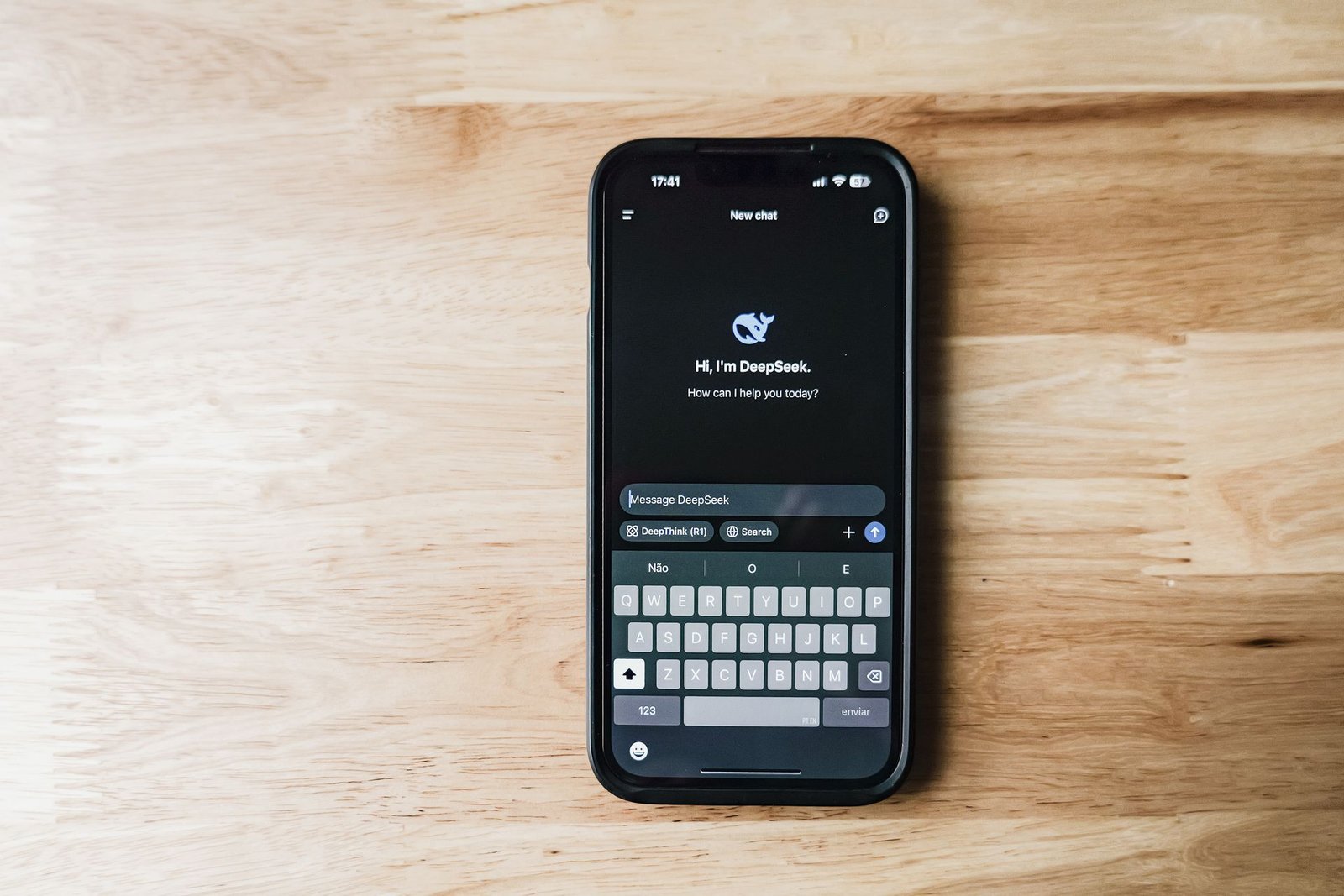
Three more alternatives deserve your attention for specific reasons. DeepSeek shook the industry by delivering frontier-level performance at a fraction of the expected cost, and its open approach means strong capabilities at very accessible pricing. For cost-conscious users and developers, it’s the value story of the AI world — performance that embarrasses models costing far more to run. The interface is spartan and the ecosystem thin, but the raw capability per dollar is unmatched.
Le Chat, from France’s Mistral, is Europe’s serious contender — fast, capable, and built under EU privacy norms that matter to privacy-conscious users and European businesses. It’s the best option if data sovereignty influences your choice. Microsoft Copilot, meanwhile, wins on pure convenience for the Microsoft faithful: it’s baked into Windows, Edge, and Office, so Word and Excel users get AI assistance without switching apps. None of these three is the best general-purpose chatbot, but each is the best choice for its audience — and that’s exactly how you should think about this whole category.
Head-to-Head: The Same Tasks, Different AIs
Abstract comparisons only go so far, so here’s how the main contenders actually performed on my five test tasks. For the complex writing task — a nuanced opinion piece with a specific voice — Claude won clearly, ChatGPT was solid but blander, and Gemini felt competent but generic. Perplexity I didn’t even test here; it’s the wrong tool for creative work, and knowing that is part of using it well.
For the research question requiring current information, Perplexity dominated: direct answer, clickable citations, verifiable in seconds. ChatGPT with browsing was decent but slower and less transparent about sources. Claude was honest about its knowledge limits but couldn’t match the sourced depth. For the coding problem, ChatGPT and Claude were neck and neck — both solved it, with Claude’s explanation slightly clearer and ChatGPT’s ecosystem offering better follow-up tooling. Gemini was capable but unremarkable here.
Brainstorming was the closest contest: ChatGPT’s energy and variety edged it, Claude’s suggestions were fewer but more original, and Gemini played it safe. For long-document analysis, Claude’s large context window won outright — it held the thread across fifty pages where others started forgetting early details. The takeaway isn’t a ranking but a map: writing goes to Claude, facts go to Perplexity, everything-Google goes to Gemini, and ChatGPT remains the versatile all-rounder. Match the task to the tool and you’ll rarely be disappointed.
What ChatGPT Still Does Best
Fairness demands acknowledging the incumbent’s strengths, because ChatGPT remains excellent and in some areas unbeaten. The plugin and GPT ecosystem is still the richest — thousands of specialized tools for everything from data analysis to travel planning that competitors can’t match. DALL-E integration means seamless image generation inside your chat, and the voice mode remains the most natural conversational AI experience available. For multimodal work and extensibility, ChatGPT leads.
There’s also the underrated advantage of familiarity. You know its quirks, its strengths, its failure modes. Switching costs are real — new interface habits, relearning what each model is good at, rebuilding your prompt library. My honest advice isn’t to abandon ChatGPT but to stop treating it as the only option. Use it for what it’s best at, add Claude for writing, Perplexity for research, and Gemini if you’re in Google’s world. A lineup beats a monogamy in AI tools, just as it does in most software categories.
The Hidden Costs Nobody Mentions
Running multiple AI subscriptions is the obvious trap — ChatGPT Plus plus Claude Pro plus Perplexity Pro adds up to real money for capabilities that overlap 80%. Be deliberate: most people need one paid generalist at most, supplemented by free tiers. I pay for one and use free tiers for the rest, which covers everything I need. Audit twice a year; these companies keep adding features that blur the lines between tiers.
The subtler cost is fragmented context. Each AI knows only what you tell it in its own chat — your project brief in Claude, your research in Perplexity, your data in ChatGPT. Important details get scattered across platforms, and you’ll waste time re-explaining context. Mitigate by keeping a simple “project brief” document you paste into new chats, and by being deliberate about which tool owns which job. There’s also the privacy dimension: every conversation trains someone’s product thinking if not their models. Don’t paste confidential, medical, or legally sensitive material into any AI chat without understanding the data policy — a caution I cover more fully in my guide to AI ethics and bias explained.
Switching Without the Pain
The biggest barrier to trying alternatives isn’t quality — it’s inertia. Here’s how to switch without the usual friction. First, export what matters: save your best ChatGPT prompts and conversations somewhere accessible. Your prompt library is the real asset you’ve built, and most of it transfers directly — good prompts are largely model-agnostic, needing only minor tweaks for each AI’s quirks.
Second, run a parallel week, not a cold switch. Use the new AI for real tasks while keeping ChatGPT open as backup. This removes the fear of being stranded mid-task and gives you honest comparison data. By day five you’ll know whether the new tool earns a permanent spot. Third, rebuild your integrations deliberately: reconnect the tools that matter (your notes app, your browser, your workflow automations) instead of assuming the new AI works the same way. Each platform’s integrations differ, and ten minutes of setup prevents weeks of mild annoyance.
Finally, give it the full week before judging. Every AI feels wrong on day one because you’re fighting unfamiliar habits, not real limitations. The creators who bounce after an afternoon never actually tested anything — they just confirmed that change feels uncomfortable. A week of real work is the minimum fair trial, and it’s how every lasting switch I’ve made actually happened.
Choosing Your AI Lineup
Here’s the decision framework I’d give a friend. Start with your primary use: writers should try Claude first, researchers should start with Perplexity, Google Workspace users should give Gemini a real shot, and the budget-conscious should look at DeepSeek. Run each candidate as your daily driver for one full week — a single afternoon isn’t enough to learn a model’s real strengths.
Then build the lineup deliberately. My current setup: Claude for writing and thinking, Perplexity for research, ChatGPT for image generation and its app ecosystem, Gemini for anything touching my Google data. Four tools sounds like a lot, but I only pay for one — the rest earn their place on free tiers. The key is assigning each tool a job based on its superpower rather than asking one AI to do everything adequately. Specialists beat generalists, and in AI that principle is stronger than anywhere else in software.

My Actual Workflow: A Day Across Four AIs
Concretely, here’s how the lineup works on a typical content day. Morning research starts in Perplexity: I gather sourced facts for the article, clicking through to verify the important claims. Then I move to Claude with my research notes and a detailed brief — it produces the first draft, and the prose needs noticeably less fixing than ChatGPT’s would. When I need a header image concept or a quick visual, I switch to ChatGPT for DALL-E. If the draft touches anything in my Google Docs or needs my calendar, Gemini handles that leg.
The switching cost is lower than you’d expect because each handoff is clean: research output becomes the writing brief, the draft becomes the image prompt. Total time spent switching tools: maybe five minutes across the day. Time saved by using the best tool for each job instead of forcing one AI through everything: easily an hour. The lesson generalizes beyond my specific lineup — whatever tools you choose, match the tool to the task and let each one play to its strength. Monogamy is for relationships, not software.
Key Takeaways
- The best chatgpt alternatives each have a superpower: Claude for writing, Perplexity for cited research, Gemini for Google integration, DeepSeek for value.
- Don’t abandon ChatGPT — its app ecosystem, image generation, and voice mode remain best-in-class.
- Build a lineup instead of relying on one AI: assign each tool the job it does best and use free tiers to supplement one paid subscription.
- Test each candidate as your daily driver for a full week; an afternoon isn’t enough to judge.
- Keep a reusable project brief to avoid re-explaining context across platforms, and audit subscriptions twice a year.
Frequently Asked Questions
What is the best ChatGPT alternative overall?
Claude, for most people — its writing quality and long-document handling are genuinely superior, and it serves as a complete ChatGPT replacement for knowledge work. Give it a week on your real tasks before deciding. If your life runs on Google Workspace, Gemini’s integration may matter more. There’s no universal winner, only the best fit for your workflow.
Is there a free alternative to ChatGPT that’s actually good?
Yes, several. Claude, Gemini, Perplexity, and DeepSeek all offer generous free tiers that handle daily use for most people. You can realistically run a multi-AI workflow without paying anything — I only pay for one subscription and use free tiers for the rest.
Which AI chatbot is best for research?
Perplexity, by a clear margin. Its cited answers let you verify claims in seconds, which neither standard chatbots nor traditional search can match. For anything where accuracy matters, start with Perplexity and use general chatbots for brainstorming and drafting.
Can I use multiple AI chatbots together?
Absolutely, and you should. Assign each tool its strongest job — Claude for writing, Perplexity for research, ChatGPT for images, Gemini for Google data — and you’ll outperform any single AI. Keep a shared project brief to maintain context across platforms.
Will these alternatives stay free?
Free tiers will likely get more restrictive over time as companies push toward paid plans — that’s the industry pattern. The good news is competition keeps everyone generous; with this many strong alternatives, no single company can squeeze users too hard without losing them. Diversifying across tools is also insurance against any one tier worsening.
Conclusion
The era of one AI to rule them all is over, and that’s good news. The best chatgpt alternatives aren’t just cheaper copies — they’re specialists that beat ChatGPT at specific jobs, and assembling a small lineup of them will make you more capable than any single subscription could. Start with one alternative matched to your main use case, give it a full week as your daily driver, and expand from there. ChatGPT earned its fame, but loyalty in software should go to whatever serves you best today — and today, you have excellent options. Pick one, try it properly this week, and stop wondering what you’re missing. Your workflow will be better for it within the month — I promise the experiment is worth seven days.