

There’s a graveyard in most households, and it lives in a desk drawer: a smartwatch that was exciting for two weeks and then quietly abandoned. I’ve watched friends stop wearing beautiful, expensive watches because the battery died every night, the band irritated their skin, or it did nothing their phone didn’t do better. Learning how to choose a smartwatch isn’t about the longest spec sheet — it’s about finding the one still worth wearing six months from now.
That distinction matters because the smartwatch market is crowded and confusing on purpose. Every brand markets its watch as the perfect all-rounder, but a watch lives on your skin in a way a phone never does — through workouts, sleep, and meetings. This guide walks through the decisions that actually determine whether a smartwatch earns its place on your wrist — comfort, battery life, phone compatibility, health features, and price — in that order of importance.
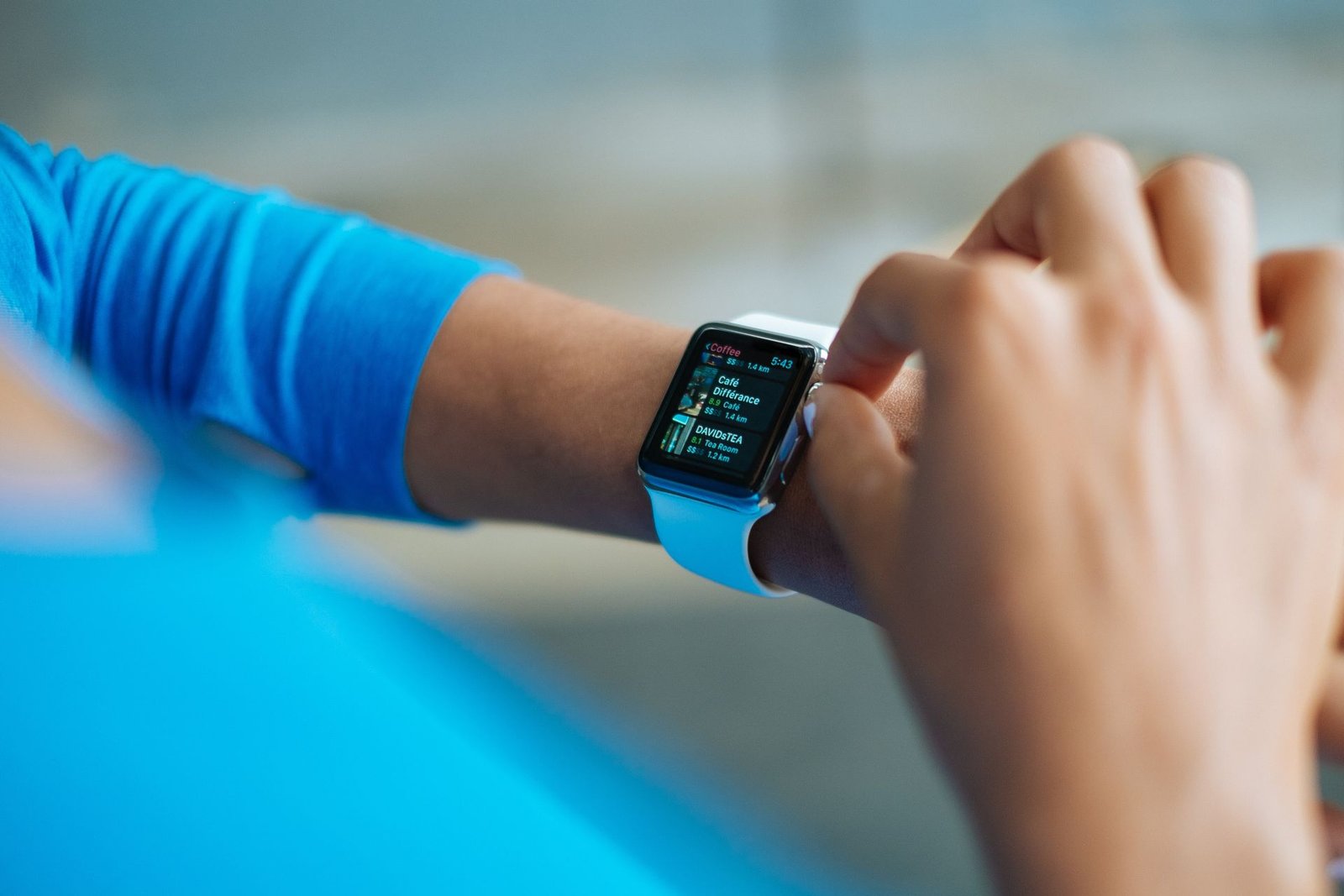
Why Most Smartwatches End Up in a Drawer
Before talking specs, it’s worth understanding why smartwatches fail, because the pattern is remarkably consistent. The number one killer is friction: a watch that needs charging every single night becomes a chore, and chores get skipped. Miss two nights and the watch is dead when you want it — so it stays on the nightstand, and the habit breaks.
The second killer is discomfort. A watch that’s slightly too heavy or has a band that traps sweat irritates you in ways that compound daily — first during workouts, then at your desk, then in bed. Most people don’t consciously quit their watch; they just reach for it less until it stays home. The third killer is redundancy: if the watch does nothing meaningful your phone can’t, it’s jewelry with a battery, and the battery wins.
None of these problems show up on a spec sheet the way screen resolution or processor speed do. That’s exactly why so many buying guides steer people wrong — they rank watches by features instead of by wearability. Keep the drawer test in mind through every section of this guide: will this watch still be on your wrist in six months?
How to Choose a Smartwatch That Matches Your Phone
The single most practical rule in smartwatch shopping: your phone’s operating system decides most of your shortlist. An Apple Watch works only with iPhones — it won’t pair with Android at all. If you’re an iPhone user, the Apple Watch is the default choice for a reason: setup takes minutes and the integration is seamless. Samsung’s Galaxy Watch line is built for Android phones and integrates deeply with Samsung’s ecosystem in particular, though it works with other Android phones too.
Beyond those, Google’s Pixel Watch targets Android users wanting a clean Google experience. Garmin watches pair with both iPhone and Android but trade smart features for fitness depth and week-long battery life. Fitbit devices straddle both platforms with a health focus, and budget brands like Amazfit offer surprisingly capable watches for both platforms at a fraction of the price.
One detail trips up buyers: watches that technically pair with your phone can still lose features on the “wrong” platform — a Samsung watch on a Pixel phone may lose Samsung-specific health features, for example. Check the manufacturer’s compatibility page for your exact phone model instead of assuming “Android compatible” means everything works. If you’re still choosing a phone, our smartphone buying guide covers the ecosystem question, since the two decisions belong together.
Battery Life: The Spec People Underestimate
Manufacturers quote battery life under the most flattering conditions — minimal brightness, few notifications, no workouts — so treat every number as a best case. The real question is how the watch fits your charging routine. An 18-hour watch forces a nightly schedule with zero margin: one forgotten night and it’s dead by lunch. Two to three days gives breathing room; a week or more, like most Garmins and some Amazfit models, removes charging from your mental load entirely.
Also check what battery life costs in features. Power-saving modes extend life by disabling the always-on display, continuous heart-rate monitoring, or GPS — fine if you know the trade-off in advance. And look at charging speed, not just capacity: a watch that hits 80 percent in 30 minutes is far more forgiving than one needing two hours on the puck.
Think honestly about your own habits here. If you’re the kind of person who charges their phone religiously every night without fail, a daily-charge watch will be fine. If you’re not, pay extra for battery life — it’s the single feature that most determines whether the watch survives past month two.
Health and Fitness Tracking, Honestly Explained
Health features are the main reason people buy smartwatches, and also where marketing most outruns reality. Continuous heart-rate monitoring is mature and genuinely useful — it powers resting heart rate trends, workout zones, and calorie estimates good enough for general fitness. Step counting and sleep tracking are similarly solid across major brands, though no watch replaces a medical sleep study.
Blood oxygen (SpO2) sensing is now common and reasonable for spotting trends, though its clinical usefulness for healthy people is limited. ECG features, available on Apple Watch and several competitors, can flag possible atrial fibrillation — impressive, but not a substitute for a doctor. Skin temperature tracking mainly helps with cycle tracking and noticing when something’s off, not diagnosing illness.
GPS deserves special attention if you run, cycle, or hike. Built-in GPS lets you leave your phone at home during workouts, and dual-band GPS (found on higher-end models) is noticeably more accurate in cities with tall buildings and on tree-covered trails. If outdoor workouts are your main use case, prioritize GPS quality over smart features — this is where fitness-first brands like Garmin earn their reputation.
One thing worth knowing: your health data lives in the manufacturer’s cloud by default, and privacy policies differ between brands. Check what leaves your phone and whether you can delete it. Treat the watch as a trend-spotter rather than a medical device — and back up anything you care about, since our 3-2-1 backup guide applies to years of health data as much as to photos.
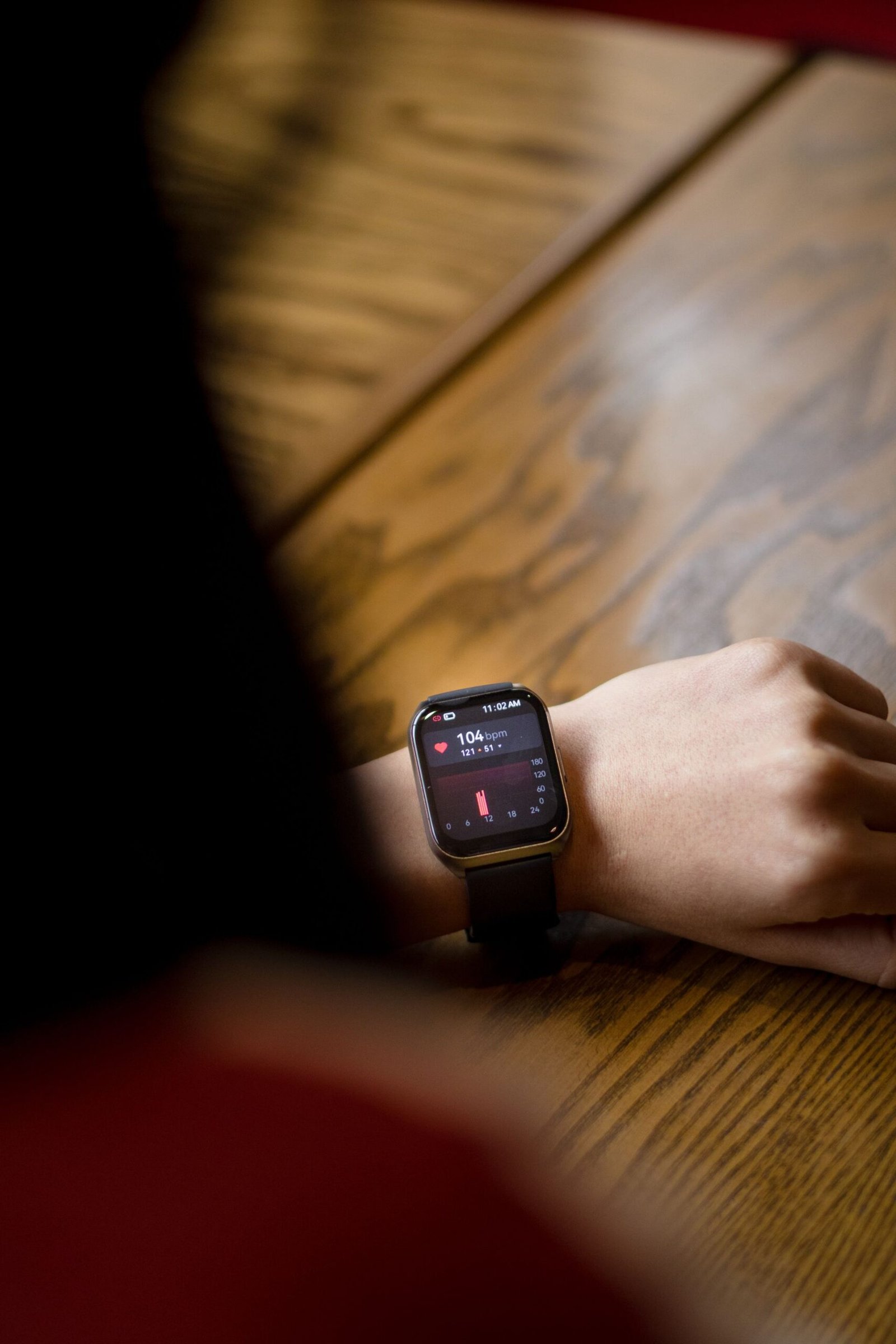
Comfort and Fit Matter More Than Any Spec Sheet
The best smartwatch is the one you forget you’re wearing. Comfort comes down to weight, thickness, and the band — and it matters more than almost any feature, because an uncomfortable watch won’t get worn. Roughly: under 40 grams feels light, 40–55 grams feels normal, and over 60 grams feels like an object strapped to your wrist. Thickness matters too — slim models around 10–11 millimeters slide under a cuff, while 13–14+ millimeters catch on sleeves and feel bulky.
Case size is where buyers most often go wrong. A 45mm case looks great on a large wrist but overwhelms a small one — the edges dig in and the sensors sit poorly, which degrades heart-rate accuracy. Smaller wrists suit 40–42mm cases; larger wrists can carry 44–47mm. Most brands offer two sizes, so don’t just grab the default.
The band deserves as much thought as the watch. Silicone sport bands are the sweat-proof default, but cheap ones trap moisture — nicer fluoroelastomer bands breathe better. Fabric and nylon bands are comfier for all-day wear but absorb sweat and odors; metal and leather look sharp for the office but fail at workouts. Most watches use quick-release bands you can swap in seconds, so budget for one spare that suits your main use case.
If possible, try the watch on before buying — even ten minutes in a store tells you more about comfort than a hundred reviews. And if you’re buying online, check the return policy: a watch you can’t return is a watch you’re stuck with if the fit is wrong.
Smart Features Worth Paying For — and a Few to Skip
Beyond fitness, smartwatches offer a grab bag of conveniences whose value depends on your routine. Wrist notifications are the flagship feature — a quick glance beats fishing out your phone forty times a day. But be honest about wanting more interruptions; many people end up muting everything except calls and messages, which any basic smartwatch handles.
Music control and onboard storage are underrated for runners who want to leave the phone behind — pair the watch with noise-cancelling headphones for a complete workout setup. Contactless payments sound minor until you use them daily; confirm your watch supports your region’s payment system first. Voice assistants handle timers and reminders fine, though no better than on your phone.
Smart home control from the wrist is a nice bonus if you’ve built one out — see our smart home devices guide — but not a reason to buy a watch alone. For productivity, watches handle quick tasks like dictating reminders or capturing voice notes; our roundup of AI note-taking tools pairs well with that always-with-you convenience.
Be skeptical of the rest. Most third-party watch apps are clunky novelties you’ll open twice. The always-on display looks great in photos but is the biggest battery drain on most watches — many owners disable it within a week. And cellular (LTE) adds cost to the watch and your monthly plan; it’s worth it for runners who hate carrying a phone, but most people never use it after the novelty fades. Pay for features that match your actual week, not your imagined one.
Build Quality, Water Resistance, and Everyday Durability
A smartwatch takes more daily abuse than almost any gadget you own — doorframes, sweat, rain, the occasional drop. Build quality is about surviving that routine, not luxury. Aluminum cases are the standard: light, tough enough, and affordable. Stainless steel and titanium resist scratches better but add weight and cost. For most people, aluminum plus a screen protector is the sweet spot.
Water resistance ratings are widely misunderstood. “5 ATM” doesn’t mean diving to 50 meters — it means the watch survived lab tests at that pressure. In practice, 5 ATM covers swimming, showering, and rain. “IP68” is a general electronics rating, not a swim certification — many IP68 watches aren’t rated for pool swimming. If you swim regularly, look for an explicit swim-proof rating and a water-lock mode. Note that resistance degrades over time: soap, hot tubs, and salt water wear seals faster, so rinse the watch after ocean swims.
The display is the most vulnerable part. Sapphire crystal screens (premium models) are dramatically more scratch-resistant — worth it if you’re rough on watches or work with your hands. Otherwise a cheap tempered-glass protector does the job. Also check repairability: some brands offer affordable battery and screen repairs; others treat the watch as disposable once the battery fades in two to three years. Check the repair policy before you commit.
How Much Should You Spend?
Prices span from under fifty dollars to well over a thousand, and the right budget depends on what you need, not what’s impressive. In the budget tier, brands like Amazfit offer excellent battery life, solid fitness tracking, and basic notifications. What you give up: app ecosystems, advanced health sensors, and software polish. For a first smartwatch — or anyone whose needs are basically “track my workouts and tell the time” — budget watches are hard to beat on value.
The mid-range is where most buyers should land: the full smartwatch experience — good app support, reliable heart-rate and GPS, contactless payments, decent build quality — without the flagship premium. Apple’s SE models, Samsung’s standard Galaxy Watch, and upper-tier Fitbits live here, and for most people this tier is the best balance of capability and price.
Flagship watches add premium materials, the newest sensors, cellular options, and the best displays — worth it if you’re deep in an ecosystem or want the most accurate tracking available. But the jump from mid-range to flagship buys refinement, not transformation. At the very top sit luxury and ultra-rugged models for specific niches; unless you know exactly why you need one, you don’t.
The smartest budgeting move: decide your maximum price first, then buy the best watch in that tier from the brand that matches your phone. A mid-range watch from the right ecosystem beats a discounted flagship from the wrong one every time.
How to Choose a Smartwatch Without Buyer’s Remorse
Here’s a practical checklist for before you buy. First, compatibility: does the watch fully support your phone’s OS, or will you lose features? Eliminate anything with major gaps. Second, size: is the case diameter right for your wrist, and has at least one review mentioned comfort for your wrist size? Third, battery: does the realistic battery life — not the marketing number — fit your charging habits with margin to spare?
Fourth, features: write down the three things you’ll actually use the watch for — specific ones, like “track my runs without my phone” — and verify the watch does all three well. Fifth, try it on if you can; buying online, confirm the return window. Sixth, price: are you paying for features on your list, or impressive extras you’ll never touch? Finally, ecosystem: does this watch get better because of the phone and services you already use?
Run through that list honestly and you’ll avoid the two classic mistakes: buying the most impressive watch instead of the most wearable one, and buying a bargain that fights your phone daily. Knowing how to choose a smartwatch the right way means choosing the one you’ll still be wearing next year — the one that passes the drawer test.
Key Takeaways
- How to choose a smartwatch comes down to wearability first: comfort, battery life, and phone compatibility matter more than any spec sheet.
- Match the watch to your phone’s operating system — Apple Watch needs an iPhone, and cross-platform watches often lose features on the “wrong” phone.
- Treat battery claims skeptically and buy for your real charging habits; a watch you forget to charge is a watch you stop wearing.
- Health sensors are great trend-spotters but not medical devices — prioritize heart-rate and GPS quality over exotic sensors you’ll rarely use.
- Fit is personal: try the watch on when possible, favor lighter and slimmer models, and budget for a spare band that suits your main use case.
- Buy the best watch in your budget tier from the right ecosystem rather than stretching for a flagship whose extras you’ll never touch.
Frequently Asked Questions
Do I need a smartwatch if I already have a fitness tracker?
A basic fitness tracker covers steps, sleep, and workouts for less money and better battery life. A smartwatch earns its premium with notifications, apps, payments, and deeper phone integration. If you want to leave your phone behind on runs or answer calls from your wrist, it’s the upgrade; if you just want health data, a tracker is the smarter buy.
How long do smartwatches typically last?
Expect two to four years. The battery is the usual limiting factor: after a couple of years of daily charging, capacity drops noticeably, and not all brands offer affordable replacements. Software support matters too — major brands typically update for three-plus years, budget brands often less. An established brand with a stated update policy maximizes lifespan.
Can I use an Apple Watch with an Android phone?
No. The Apple Watch requires an iPhone for setup and daily use — it won’t pair with Android at all. If you’re an Android user who likes the Apple Watch’s design, look at Samsung’s Galaxy Watch or Google’s Pixel Watch instead, which offer a comparable experience within the Android ecosystem.
Is a cellular (LTE) smartwatch worth the extra cost?
For most people, no. Cellular adds to the purchase price plus a monthly carrier add-on, and its main benefit — going phone-free while staying connected — matters mostly to runners. If your phone is nearly always in your pocket, the Bluetooth/Wi-Fi model is the same experience for less.
How accurate is smartwatch heart-rate monitoring?
For steady exercise like running or cycling, modern optical sensors are quite accurate — close enough for training zones. Accuracy drops during interval training, weightlifting (wrist movement interferes), and very cold days. For medical purposes or serious training, a chest strap remains the gold standard.
Conclusion
The secret to how to choose a smartwatch is simple: buy the one you’ll actually wear. Start with comfort and fit, match the watch to your phone, be honest about your charging habits, and pay for features on your real daily list — not the marketing page’s. The “best” watch in a roundup means nothing if it’s too heavy or dies by dinner, while a modest mid-range watch from the right ecosystem can quietly improve your days for years.
So run the checklist, try the watch on if you can, and don’t let launch hype rush you. The watch that passes the drawer test — comfortable at your desk, reliable on your runs, charged when you need it — is the right watch, whatever the price tag says. Choose that one, and you’ll understand why the people who love their smartwatches really love them: not because of any single feature, but because the thing simply became part of the day.