

Walk into any electronics store and the smart home aisle feels like a different language: hubs, bridges, protocols, ecosystems, and a wall of gadgets all promising to change your life. If you are wondering which are actually the best smart home devices for beginners, here is the reassuring truth I give every friend who asks: you need about three things to start, they cost less than a nice dinner out, and you can set them up in an afternoon.
The mistake most beginners make is buying gadgets before building a foundation. A smart home is not a collection of clever devices — it is a system where devices work together through one app and one voice assistant. Buy the system first, then add gadgets to it. This guide shows you exactly how: which ecosystem to pick, the three starter devices that deliver the most value, what to buy next, and the pitfalls that turn promising setups into expensive junk drawers.
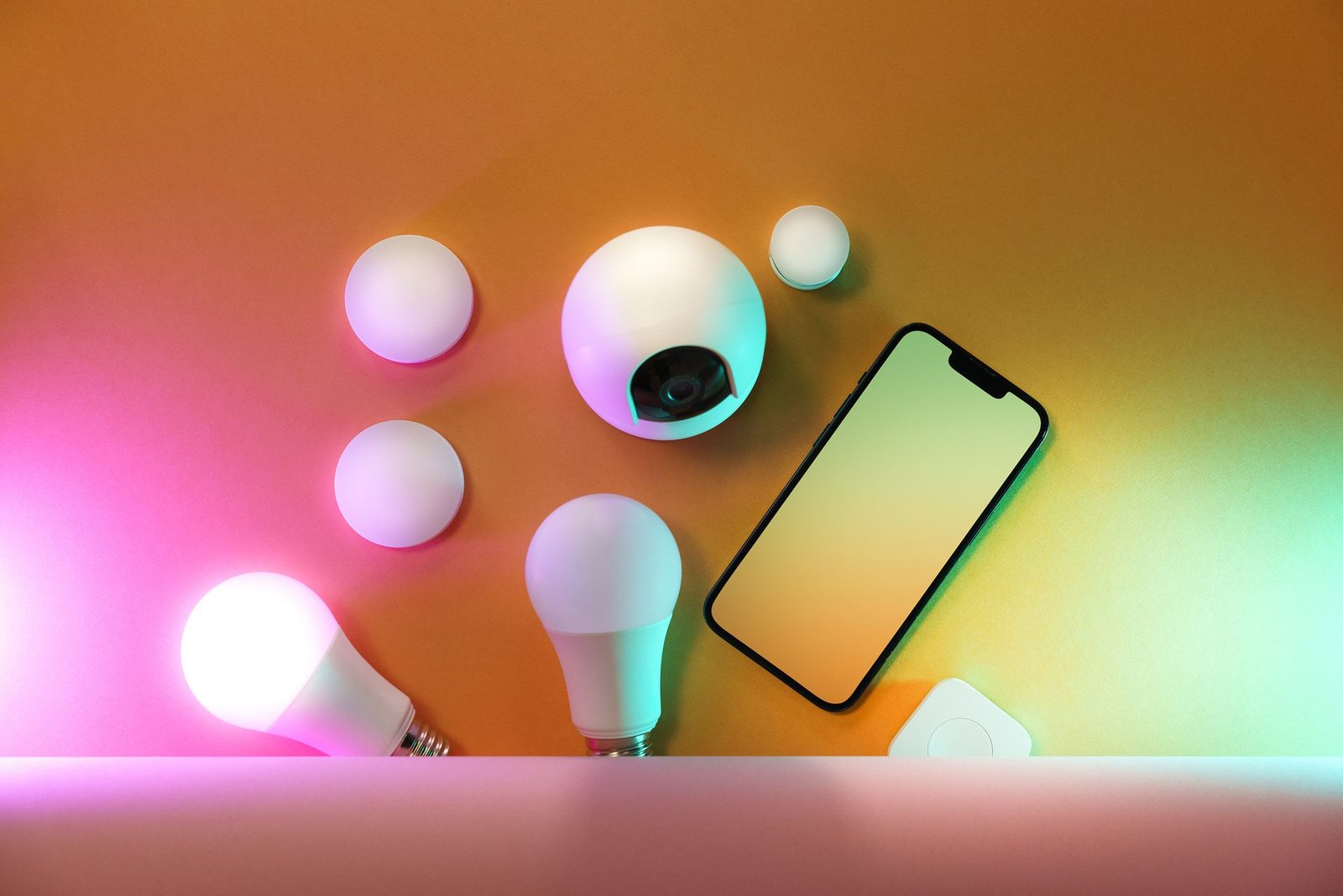
Best Smart Home Devices for Beginners: The Short Answer
If you want the quick version before the details: start with one smart speaker, two or three smart light bulbs, and one or two smart plugs, all from the same ecosystem. That trio costs little, sets up in under an hour, and teaches you everything about how smart homes work — voice control, app control, schedules, and automation. Everything else in this guide builds on that foundation.
Why these three? A smart speaker gives you voice control over everything that follows. Smart bulbs deliver the most visible daily delight — walking into a lit home, dimming lights from the couch, waking up to gradual light. Smart plugs convert any “dumb” device (a lamp, a fan, a coffee maker) into a smart one for the price of a takeaway coffee. Together they cover lighting, voice, and automation basics — the three pillars every larger smart home stands on.
Step One: Pick One Ecosystem and Commit
This is the most important decision in the guide, so make it deliberately. The three major smart home ecosystems each revolve around a voice assistant and a companion app, and devices are increasingly cross-compatible thanks to the Matter standard — but life is still smoothest inside one family.
What to base the decision on:
- Your phone. If your household runs on one mobile platform, its native assistant integrates most deeply — voice control from the phone, the watch, and the car all flow naturally. (If you are due for an upgrade, my guide on how to choose a smartphone covers the decision.)
- Your existing devices. Already own a streaming stick, tablet, or doorbell from one brand family? Staying in-family multiplies what those devices can do together.
- Household consensus. The ecosystem has to work for everyone under the roof, including the least technical person. If someone cannot turn on the lights without a tutorial, the system has failed regardless of its features.
The Matter factor: Matter is an industry standard that lets devices from different brands work together across ecosystems. It is genuinely making mixed-brand setups easier than they used to be. But standards take years to fully mature — for your first purchases, staying inside one ecosystem remains the path of least resistance. You can branch out later with confidence once the basics are solid.
My rule: one ecosystem for the first year. Write it down, and when a tempting gadget from another family catches your eye, check for a Matter-compatible or ecosystem-native alternative first.
Smart Speakers: Your Command Center
The smart speaker is the natural first purchase because it becomes the voice remote for everything else. Place one in the room where you spend the most time — usually the living room or kitchen — and it handles music, timers, weather, questions, and, crucially, control of your other smart devices.
What to look for:
- Sound quality for the size. You will play music on this constantly. Compact speakers sound fine for background listening; if music matters to you, the larger models in each lineup sound dramatically better and are worth the step up.
- Microphone performance. The speaker must hear you over cooking noise, running water, and the TV. Multi-microphone arrays with noise rejection make the difference between a assistant that responds and one you have to shout at.
- Display or no display? Smart displays add video calls, recipe steps, and visual feedback — genuinely useful in a kitchen. But a screen in a bedroom is a glowing distraction, and displays cost more. Match the form to the room.
- Privacy controls. Every major smart speaker has a physical microphone mute button or switch. Learn where it is on day one, and use it when you want guaranteed silence — it is the simplest privacy tool you own.
Start with one. You can add speakers to other rooms later, and multi-room audio (the same music everywhere) is one of those luxuries that becomes a daily joy surprisingly fast.
Smart Lighting: The Highest-Impact Upgrade
Ask smart home owners which purchase delighted them most, and lighting wins by a landslide. It is the upgrade guests notice, the one you use dozens of times daily, and the foundation of every good automation.
Where to start: replace the bulbs in your two most-used rooms — typically the living room and bedroom. White-tunable bulbs (adjustable from warm to cool white) suit most people; full-color bulbs add fun for movie nights and parties but cost more. You do not need to convert the whole house on day one.
What to check before buying:
- Hub or hub-free? Some bulbs connect directly over Wi-Fi (simplest for beginners); others need a brand hub or bridge (more reliable at scale, extra box and cost). For three bulbs, hub-free Wi-Fi is fine. If you plan to convert many rooms eventually, a hub-based system scales better.
- Brightness and color range. Check the lumen rating against the bulbs you are replacing — “smart” should not mean “dimmer.” For white-tunable bulbs, a wide temperature range (warm candlelight to cool daylight) gives the most flexibility.
- Physical switch behavior. This is the classic beginner gotcha: if someone flips the wall switch off, the smart bulb loses power and becomes unreachable. Decide your strategy up front — smart switches, switch covers, household training, or a mix — or your automations will mysteriously “break” weekly.
The automations that earn their keep: lights that turn on at sunset, dim automatically for movie time, gradually brighten as a morning alarm, and turn everything off with a single “goodnight” voice command. Start with one or two; complexity can grow later.
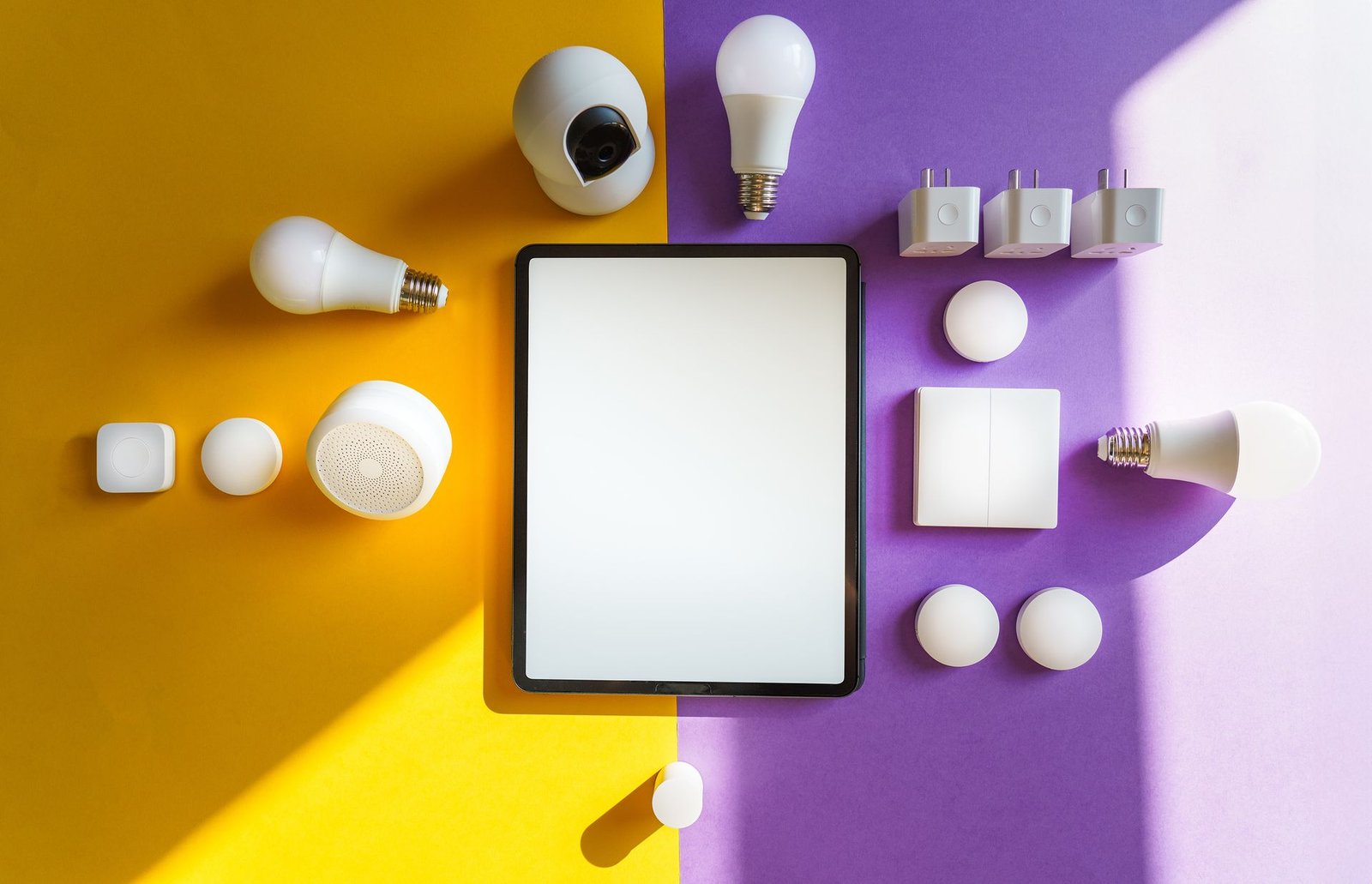
Smart Plugs: The Cheapest Smart Home Upgrade
The humble smart plug is the best value in the entire smart home world. It sits between any outlet and any “dumb” device and gives it scheduling, voice control, app control, and energy monitoring (on models that support it).
What to automate with plugs: lamps without smart bulbs, fans, electric heaters (with appropriate wattage ratings — check this carefully), coffee makers with physical power switches, holiday lights, and hard-to-reach devices behind furniture. The pattern is simple: anything with a simple on/off switch becomes smart.
What to check: the plug’s maximum wattage rating (never exceed it, especially with heaters), whether it needs a hub, its physical size (bulky plugs block adjacent outlets — compact or pass-through designs are worth seeking), and energy monitoring if you want to track what devices actually cost to run.
A beginner project that teaches everything: put a lamp on a smart plug, schedule it to turn on at sunset and off at bedtime, then add voice control through your smart speaker. In fifteen minutes you will understand devices, schedules, and voice commands — the vocabulary of every automation you build afterward.
Level Two: Thermostats, Locks, Doorbells, and Cameras
Once the basics are humming — usually after a month or two — these are the natural next purchases, roughly in order of everyday value:
Smart thermostats learn your schedule and adjust heating and cooling automatically, with the potential for real energy savings. Check compatibility with your HVAC system before buying — wiring varies, and some systems need a common wire or professional installation. The savings are real but slow; buy it for comfort and convenience first, energy savings second.
Smart locks replace key fumbling with codes, phone unlocking, and temporary guest access. Prioritize models with a physical key backup (electronics fail; mechanical keys do not), strong encryption, and a clear low-battery warning system. This is a security device — buy from an established brand with a track record, not the cheapest option.
Video doorbells show who is at the door and record motion events. Check the subscription situation carefully: many doorbells require a monthly plan for video history and smart alerts, which changes the true cost dramatically. Local-storage options exist and are worth considering.
Indoor cameras are useful for checking on pets, kids, or entry points — but they are also the most privacy-sensitive devices in this guide. Place them thoughtfully, tell everyone in the household where they are, use the physical shutter or mute when home if the model offers it, and secure them as described in the security section below.
Robot vacuums deserve an honorable mention: not strictly “smart home” in the automation sense, but app-controlled scheduling makes them one of the highest satisfaction-per-dollar purchases in the category.
The Foundation Nobody Talks About: Your Wi-Fi
Every smart device is only as reliable as the network it connects to, and this is where many beginner setups silently fail. Twenty smart devices chattering on an old single-router network create exactly the flakiness that makes people declare smart homes “not ready.”
What your network needs:
- Coverage everywhere. Dead zones mean devices that randomly go offline. If your router does not reach every corner, a mesh Wi-Fi system is the single best infrastructure upgrade for a smart home — it blankets the house in one seamless network.
- A modern router. If your router is more than five years old, it was designed for a handful of devices, not dozens. Modern routers handle many simultaneous low-bandwidth connections far better.
- The 2.4 GHz band. Many smart devices only connect on 2.4 GHz (it travels farther through walls than 5 GHz). Ensure your router broadcasts it — some “simplified” setups hide it, causing maddening pairing failures.
For the full picture on securing all of this, see my guide on how to secure your home network — worth reading before you own twenty internet-connected devices.
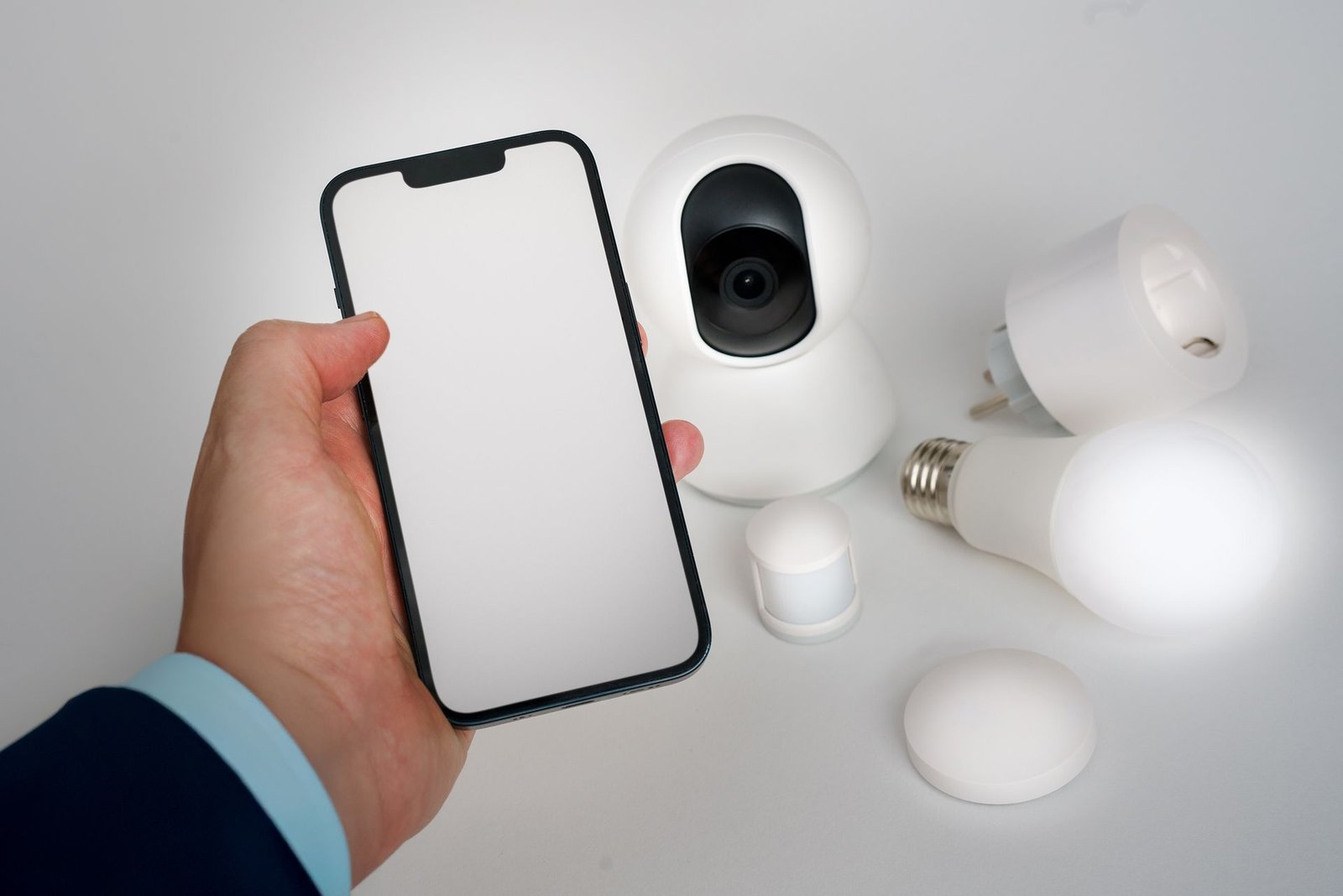
Privacy and Security: The Non-Negotiable Basics
Smart home devices listen, watch, and know when you are home. That is the deal — so make it a conscious one:
- Use strong, unique passwords on every smart home account, and enable two-factor authentication wherever offered. A compromised account can mean strangers talking through your speakers.
- Keep firmware updated. Manufacturers patch vulnerabilities regularly; updates usually install automatically, but check occasionally that they are actually happening.
- Review voice recordings and camera footage policies. Know what is stored, where, for how long, and how to delete it. Use the mute button and camera shutters when you want guaranteed privacy.
- Segment if you can. Some routers let you put smart devices on a guest or IoT network, isolated from your computers and phones. It is the single most effective network-level protection, and worth setting up if your router supports it.
- Buy from brands that will exist in five years. A cheap no-name camera whose cloud service shuts down becomes e-waste with a lens. Longevity of the company is a security feature.
None of this should scare you off — it is the same hygiene you already practice with phones and laptops, applied to new devices.
Routines: Where the Magic Actually Happens
Individual devices are convenient; routines are transformative. A routine chains multiple actions to a single trigger — one command, many results. The beginner-friendly ones to build first:
- “Good morning”: bedroom lights gradually brighten, the speaker reads weather and calendar, the coffee-maker plug switches on.
- “Leaving home”: all lights off, thermostat set back, door locked, cameras armed.
- “Movie night”: living room lights dim to a warm low, TV input switches, phone silenced.
- “Goodnight”: every light off, doors locked, thermostat to sleep temperature.
Build routines around moments that already exist in your day rather than inventing new ones — that is what makes them stick. And keep each routine simple enough that you can explain it in one sentence; if a routine needs a manual, it will break the first time your internet hiccups and you will never trust it again.
Mistakes Beginners Keep Making
- Buying gadgets before choosing an ecosystem. The number one regret: a drawer of devices from three families that refuse to work together. Ecosystem first, gadgets second.
- Automating everything on day one. Start with two or three automations and live with them. Complexity you do not understand becomes fragility you cannot debug.
- Ignoring the physical switches. If the household keeps “breaking” the smart lights with wall switches, the system design is wrong, not the family. Solve the switch problem deliberately.
- Skipping the network upgrade. Twenty devices on an ancient router is a recipe for flakiness blamed on the gadgets. Fix Wi-Fi before buying more devices.
- Buying for the fantasy, not the routine. The robot that waters plants you do not own, the color bulbs for rooms you never decorate — buy for Tuesday evening, not for the demo video.
Key Takeaways
- The best smart home devices for beginners are a smart speaker, a few smart bulbs, and a couple of smart plugs — all from one ecosystem.
- Pick your ecosystem first (based on your phone, existing devices, and household), and commit to it for the first year.
- Smart lighting delivers the most daily delight; smart plugs are the cheapest way to automate “dumb” devices.
- Fix your Wi-Fi before scaling up — coverage and a modern router determine reliability more than any gadget.
- Practice basic security hygiene: unique passwords, two-factor authentication, firmware updates, and buying from established brands.
- Start with two or three automations and grow slowly; solve the physical-switch problem deliberately.
Frequently Asked Questions
How much does it cost to start a smart home?
A solid starter setup — one smart speaker, two or three smart bulbs, and one or two smart plugs — costs less than a nice dinner out. That trio teaches you everything about how smart homes work. Resist expanding until you have lived with the basics for a month.
Do I need a hub for smart home devices?
Not to start. Many beginner-friendly devices connect directly over Wi-Fi with no hub required. Hubs become worthwhile when you own many devices or use certain lighting and sensor systems — they improve reliability at scale. Start hub-free; add one only when you have a reason.
Which smart home ecosystem should a beginner choose?
Choose based on your phone platform, devices you already own, and what the least technical person in your household can operate. The Matter standard is improving cross-brand compatibility, but staying inside one ecosystem for the first year remains the smoothest path.
Are smart home devices safe from hackers?
They are as safe as you make them: use strong unique passwords, enable two-factor authentication, keep firmware updated, and buy from established brands with security track records. Consider putting smart devices on a separate guest/IoT network if your router supports it.
What happens to smart devices if the internet goes down?
It depends on the device. Many cloud-dependent gadgets lose remote control and voice commands during outages, though some local-control setups keep working. This is worth checking for critical devices like locks — which is why physical key backups matter.
Conclusion
The best smart home devices for beginners are not the flashiest ones — they are the ones that disappear into your routine: lights that greet you at sunset, a speaker that answers from across the kitchen, a plug that quietly runs the schedule you forgot to set. Start with the trio — speaker, bulbs, plugs — inside one ecosystem, on a network you trust, and give yourself a month to learn the vocabulary of automation.
Resist the urge to automate the whole house in a weekend. The smart homes people love are built slowly, one solved annoyance at a time, until the technology fades and only the convenience remains. That is the real goal — not a house full of gadgets, but a home that quietly takes care of itself.